
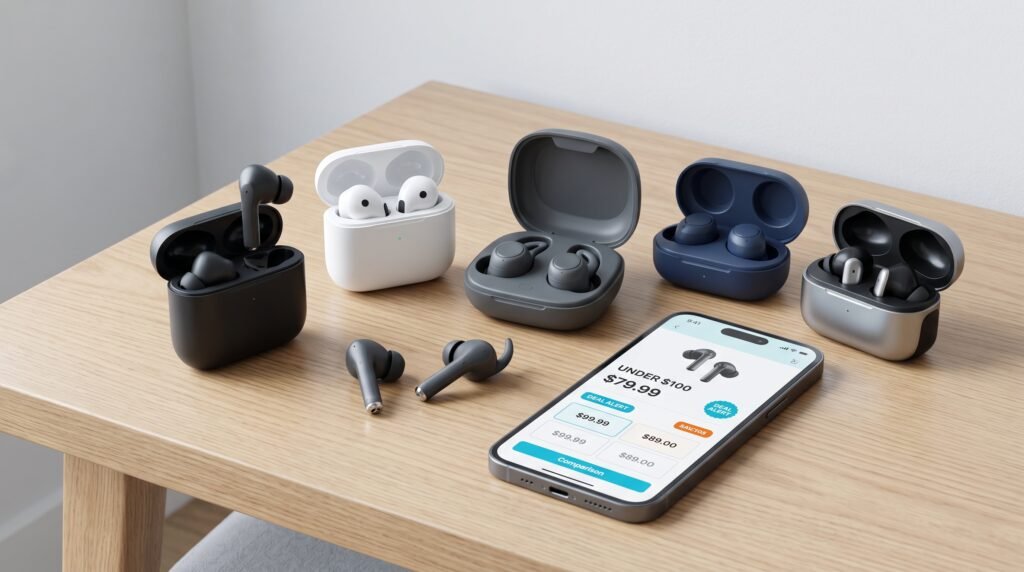
Best Budget Wireless Earbuds Under $100: 10 Picks Worth Buying in 2026
You don’t need to spend $200 or more to get wireless earbuds that sound good, last through a workday, and handle calls reliably. The tricky part is figuring out which features are actually worth paying for and which ones are mostly marketing.
We put together this guide around the things that matter most when you’re shopping below the $100 mark: sound quality, battery life, comfort, noise cancellation, microphone performance, durability, and—perhaps most importantly—overall value for the money.
DEAL TIP Don’t automatically buy the cheapest pair. A $49 pair that needs replacing quickly can be a worse value than a $79 pair with better battery life, comfort, and reliability.
What to Look for in Wireless Earbuds Under $100
Shopping for earbuds at this price can be surprisingly difficult. Product pages often throw dozens of specifications at you, but not every specification has the same impact on your everyday experience.
Before comparing individual models, narrow your decision down to these six areas.
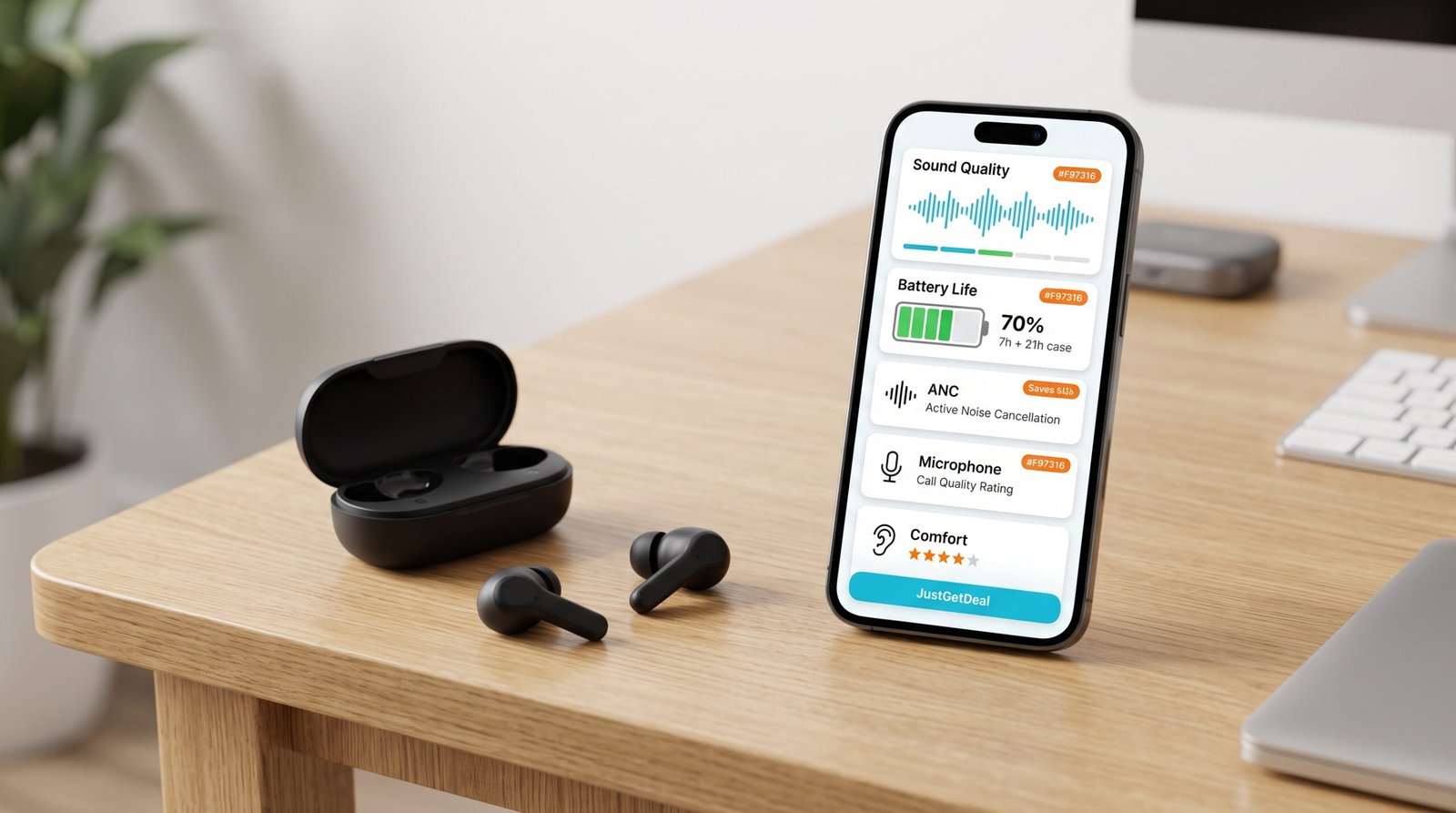
1. Sound Quality
Sound quality should be near the top of your list, but don’t get distracted by impressive-looking technical specifications. A well-tuned pair with clear vocals, controlled bass, and balanced treble can be more enjoyable than earbuds with bigger numbers on the product page.
2. Battery Life
Look at both the earbuds’ playback time and the total battery life provided by the charging case. For everyday use, a pair that can comfortably get through your workday without needing frequent charging is usually more useful than one with a flashy specification you rarely take advantage of.
3. Active Noise Cancellation
ANC can be especially useful for commuting, travel, offices, and other noisy environments. At the under-$100 price point, however, performance varies considerably, so don’t assume that simply having “ANC” listed on the box means you’ll get premium noise isolation.
4. Microphone Quality
If you take work calls, attend online meetings, or frequently use your earbuds for phone conversations, microphone quality matters more than many shoppers realize.
5. Comfort and Fit
The best-sounding earbuds are useless if you don’t enjoy wearing them. Consider the shape, included ear-tip sizes, weight, and how securely they stay in your ears.
6. Durability
If you plan to use earbuds at the gym or outdoors, check their water and sweat resistance rating. You don’t necessarily need the highest rating available, but you should choose a model appropriate for how you’ll actually use it.
10 Best Wireless Earbuds Under $100
There isn’t one pair that is perfect for every shopper. Instead, the smartest approach is to match the earbuds to the feature you care about most.
| Category | What to Prioritize | Ideal Shopper |
|---|---|---|
| Best Overall | Balanced performance | Most shoppers |
| Best ANC | Noise cancellation | Travelers & commuters |
| Best Battery | Long playback | Heavy listeners |
| Best for Workouts | Secure fit & durability | Active users |
| Best Value | Price-to-performance ratio | Budget shoppers |
Best Overall: Look for Balance
If you don’t have one specific priority, concentrate on a balanced combination of sound quality, battery life, comfort, call quality, and useful features. This is generally a better approach than chasing a single specification.
Best for Noise Cancellation
Frequent travelers and commuters should prioritize ANC performance. Also pay attention to the passive seal created by the ear tips, because physical isolation can make a noticeable difference even when the electronics are doing the same job.
Best for Battery Life
If you’re constantly listening to podcasts, music, or audiobooks, battery life should move higher on your checklist. Look at the combination of earbud playback and charging-case capacity rather than judging the earbuds by one number.
Best for Workouts
Workout earbuds need a secure fit and appropriate resistance to sweat or water. A comfortable fit is particularly important because frequent adjustments during a workout quickly become annoying.
How to Compare Wireless Earbuds Before Buying
Don’t compare earbuds based on price alone. A better comparison looks at what you’re actually getting for the money.
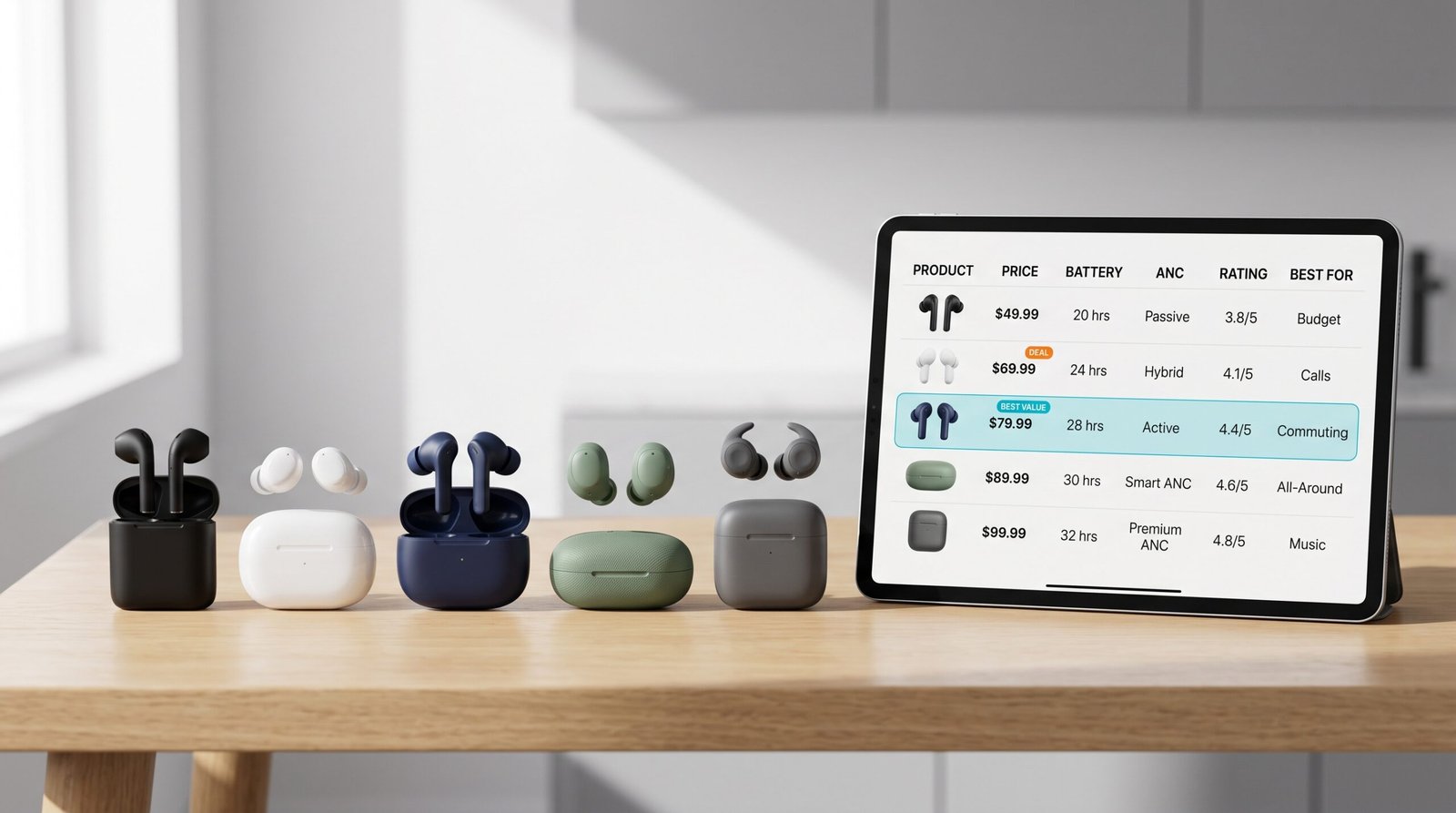
Start with your must-have features. If you mainly listen at home, you may not need to pay extra for the strongest ANC. If you travel regularly, however, noise cancellation can be worth prioritizing.
The same logic applies to battery life, microphone quality, durability, and comfort. Pay for the features you will actually use.
SMART SHOPPING A $20 difference doesn’t automatically mean the more expensive earbuds are better. Compare the features you actually need before deciding whether the extra cost is justified.
Which Wireless Earbuds Should You Buy?
The right choice depends on how you use your earbuds. There is no reason to pay for premium features that don’t solve a problem for you.

- For commuting: prioritize noise cancellation, comfort, and reliable battery life.
- For workouts: look for a secure fit and appropriate water or sweat resistance.
- For work calls: microphone quality and connection reliability become especially important.
- For music: focus on sound quality, tuning, comfort, and battery life.
- For casual use: a well-balanced budget pair may offer everything you actually need.
How to Get Wireless Earbuds for Less
Finding a good pair is only half the job. The next step is making sure you don’t pay more than necessary.
Prices on popular electronics can change frequently, which means the first price you see isn’t necessarily the best price available.
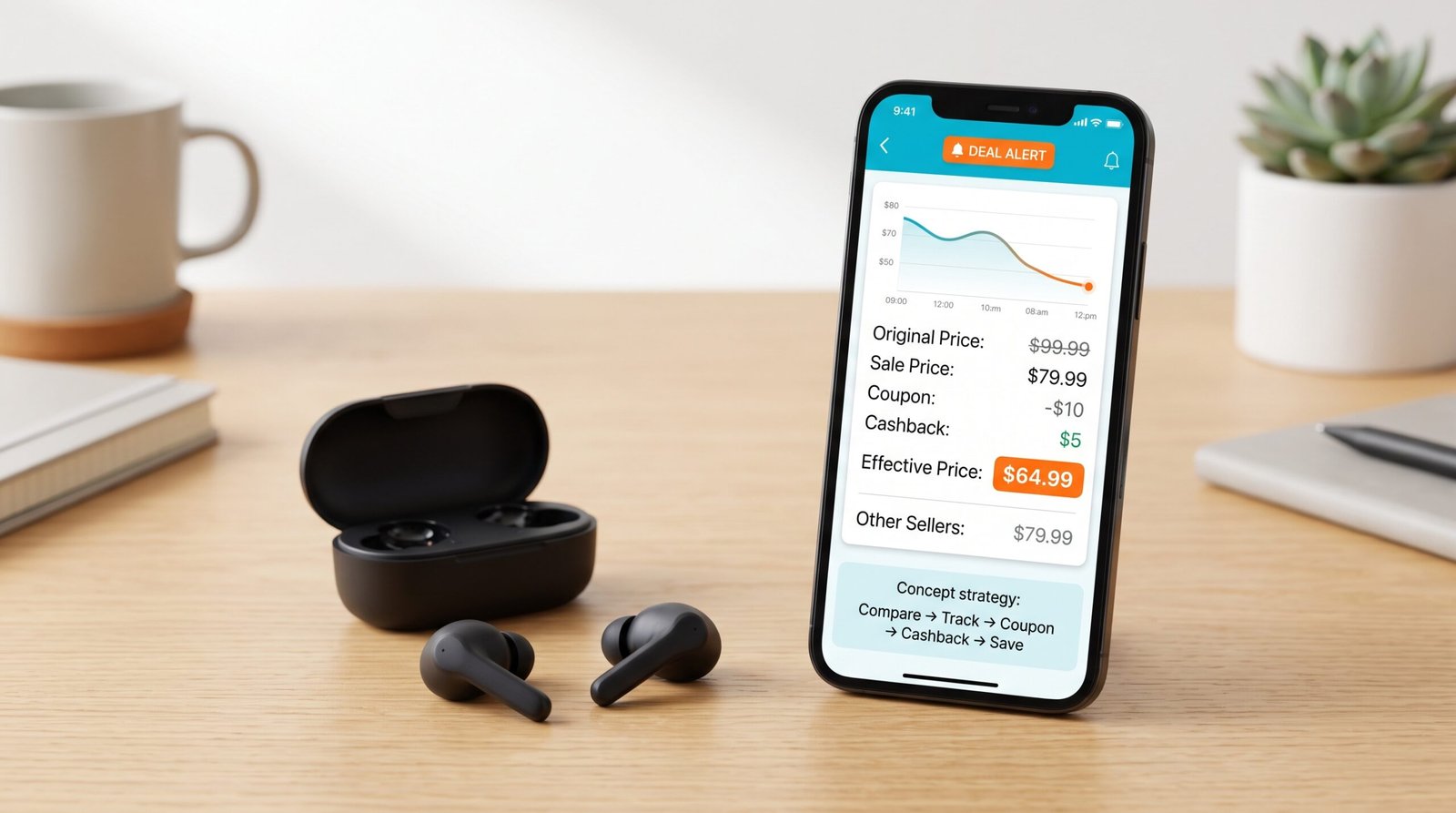
1. Compare Prices
Check multiple retailers before buying. The same product can have different prices depending on the retailer, current promotion, shipping cost, or availability.
2. Track the Price
If you don’t need the earbuds immediately, price tracking can be one of the easiest ways to avoid buying at a temporary high point.
3. Look for Coupons
Before checking out, search for an applicable promotional offer. Just because a product is already on sale doesn’t necessarily mean there isn’t another eligible saving opportunity.
4. Check Cashback
If a retailer participates in a legitimate cashback program, check the current rate before purchasing. Remember that cashback terms vary and may exclude certain products, brands, or promotional purchases.
5. Don’t Ignore Sale Events
Electronics frequently receive discounts during major shopping events and seasonal promotions. If your purchase isn’t urgent, waiting for a stronger sale can make a meaningful difference.
PRO TIP Don’t judge a deal by the discount percentage alone. A product marked “30% off” isn’t necessarily a better deal than another product with a smaller discount. Compare the actual final price and the features you’re getting.
A Simple $100 Earbud Shopping Strategy
Let’s say you’ve found a pair listed at $99.99. Instead of immediately checking out, run through this quick process:
- Check whether another retailer has a lower current price.
- Look at the product’s recent price history if available.
- Search JustGetDeal for an applicable coupon or promotion.
- Check whether cashback is available and review its terms.
- Compare the final delivered price, including shipping.
For example, imagine the earbuds are discounted from $99.99 to $79.99 and you find a valid $10 promotional discount. Your purchase price would fall to $69.99 before any applicable cashback or taxes.
That’s the difference between simply finding a product and actually shopping strategically.
Final Verdict: You Don’t Need to Spend $200
The wireless-earbud market under $100 is competitive enough that budget shoppers have plenty of good options. The key is knowing which features matter to you before you start comparing products.
For most shoppers, the sweet spot is a pair that combines good sound, comfortable fit, dependable battery life, useful noise cancellation, and reliable call quality without charging a premium for features you’ll never use.
And once you’ve found the right pair, don’t stop at the listed price. Compare retailers, track the price, look for coupons, and check legitimate cashback opportunities before you complete the purchase.
JUSTGETDEAL CHECKLIST
- Choose the features you actually need.
- Compare several models before deciding.
- Check the current price instead of relying on the claimed discount.
- Track the price if you can wait.
- Look for coupons and promotions.
- Check legitimate cashback opportunities before checkout.
Disclosure: JustGetDeal may earn a commission when you purchase through certain links on this page. This does not affect the price you pay. Our recommendations are intended to help shoppers compare products and make informed purchasing decisions.